
If you play regularly, you mainly want one thing: log in without hassle and get straight back to it. The Zumo Bet Casino login is built for exactly that: enter your username and password, one click, and you’re back in your account. In this guide, I’ll explain how logging in works, what to do if you get stuck, and what to look out for to keep your session secure.
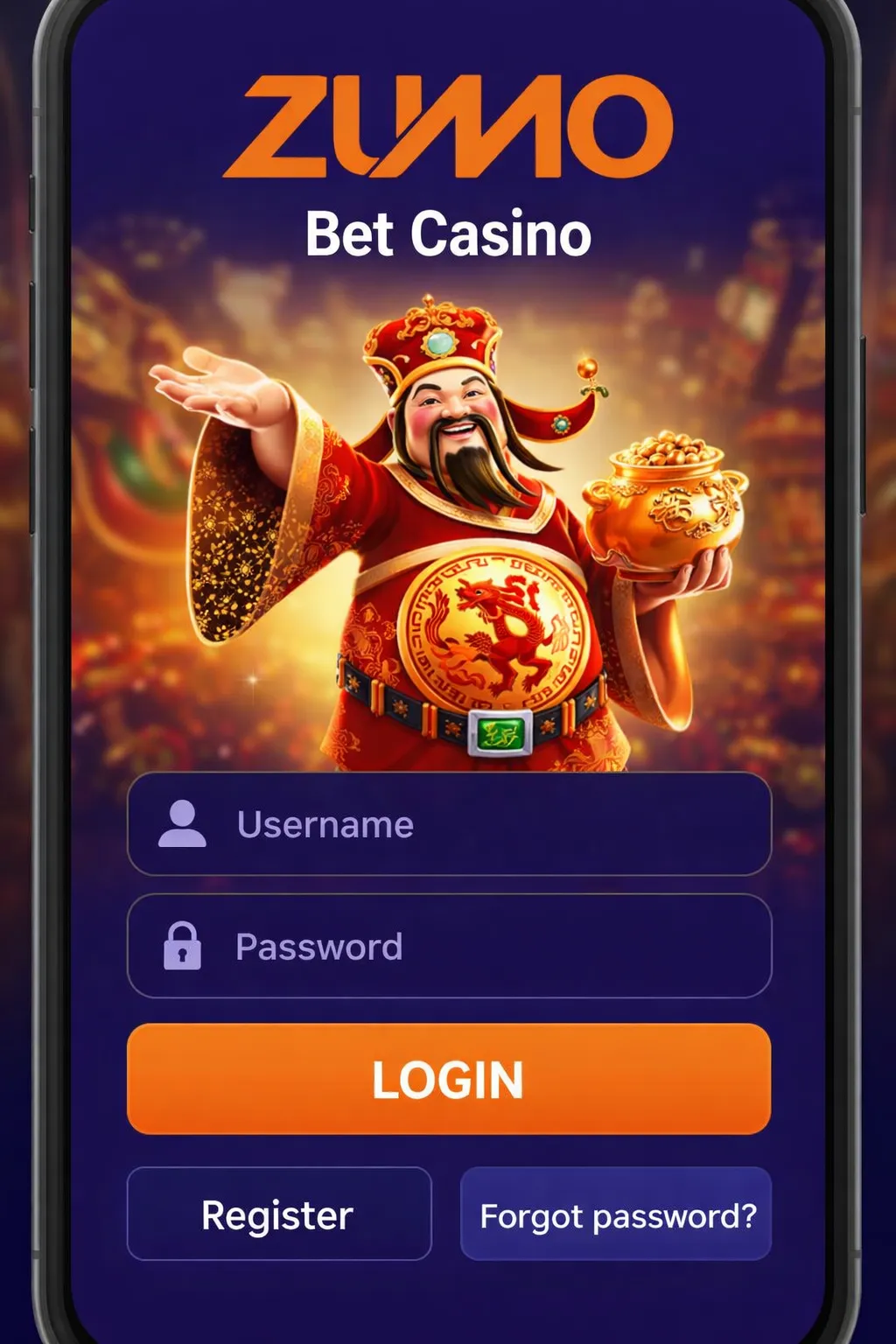
On the ZumoBet Casino login screen you’ll see two fields (username and password) and a prominent LOGIN button. Underneath are two options: Register (new account) and Forgot password? (reset your password). It looks simple — and usually it is — but small details (autofill, keyboard language, spaces) can sometimes make the difference.
Sometimes what looks like a login issue is simply that you don’t have an account yet. If you’ve never completed registration, Register at Zumo Bet Casino is the right route. Finish creating your account, confirm your details where required, and then log in.
Getting blocked at login is usually not a big deal, but it is annoying. Below are the fixes that most often work in practice.
Click Forgot password? on the Zumo Bet Casino login screen. You’ll then be guided through the steps to set a new password. Choose a password you don’t use elsewhere and ideally store it in a password manager.
You don’t need a paranoid checklist. But a few habits make your Zumo Bet Casino login noticeably safer:
The Zumo Bet Casino login is clearly designed for mobile. Large input fields, a wide button, and direct links at the bottom for registration or password recovery.
After your ZumoBet Casino login, you’ll usually land in an area where offers and promotions are shown. Good to know: some bonuses are tied to your first deposit or a specific promo. Always review the terms before you activate anything — especially wagering requirements and maximum stake per round.
Once you’re logged in to ZumoBet Casino, you can go to the cashier (deposit/withdraw). There you’ll see which payment options are available for your region. In many cases you’ll find familiar methods such as bank options, cards and wallets.
Use your regular browser and type your details manually once. After that, your password manager can take over, as long as the saved password is up to date.
Close the page completely, clear the site cookies if needed, and try again. On mobile, it can also help to switch from Wi-Fi to 4G/5G.
Directly underneath the LOGIN button on the login screen. That link lets you reset your password.
That depends on how your account was created. Some accounts use a username, others an email address. Use the same input you chose during registration.
Especially for withdrawals or changes to account details, verification is a standard security step. It protects your balance and helps prevent misuse.
Check for spaces and keyboard language, and try typing it manually once. If it still doesn’t work, use Forgot password?.
Generally yes, as long as you keep the basics in order: unique passwords, no public Wi-Fi, and logging out on shared devices.
Usually in your account menu or on a promotions page within the site. Always read the terms before activating a bonus.